Blog
Shopify Search & Discovery: What It Does and Its Limits
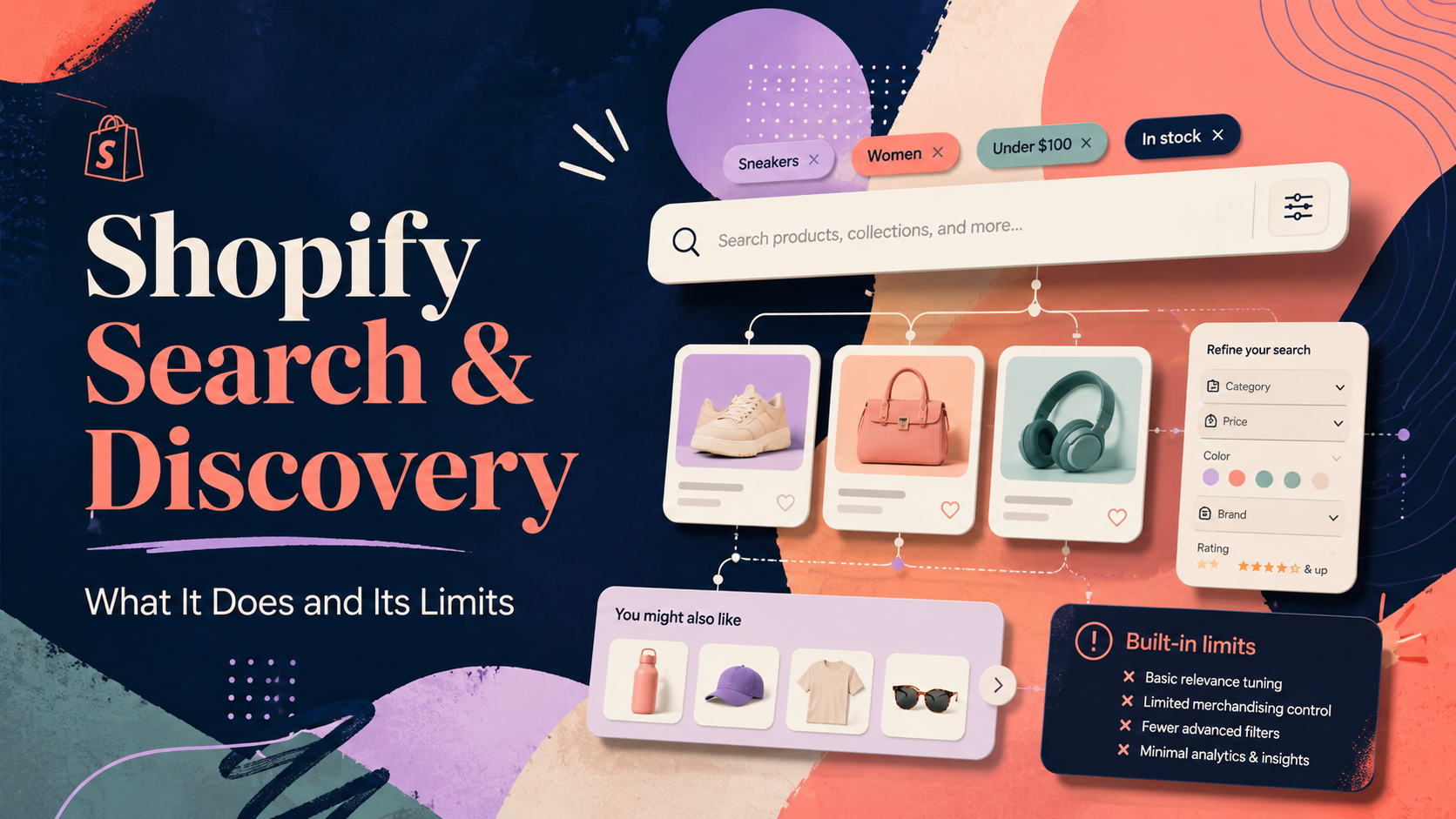
What Is Shopify Search & Discovery?
Shopify Search & Discovery is the official free search app built and maintained by Shopify. It replaced the older "Product Filter and Search" app and is now the default way to manage search configuration and product filters for any Shopify store. You install it from the Shopify App Store at no cost.
This guide gives you an honest picture of what Shopify Search & Discovery does, where it genuinely works well, and where its limitations mean you might want to look at a paid upgrade.
What Shopify Search & Discovery Does Well
Synonym groups. You can create bidirectional synonyms ("sofa" = "couch" = "settee") and one-way synonyms. This is genuinely useful and easy to set up. For small catalogues with predictable vocabulary, synonyms alone fix a large proportion of missed searches.
Product boost and bury. You can pin specific products to appear at the top of search results or push them to the bottom. This is useful for surfacing best-sellers or hiding clearance stock without removing it from the catalogue.
Search redirections. If a customer searches for "returns" or "gift cards", you can redirect them to a page rather than showing a product list. Simple to set up and genuinely improves the experience for navigational searches.
Collection filters. You can add price, product type, vendor, and custom tag-based filters to collection pages. For stores with well-structured tagging, this works well and requires no code changes to most themes.
Product availability and variant filters. Recent updates added the ability to filter by in-stock status and by variant options (size, colour). This works on collection pages in supported themes.
It is free. For a store just starting out, or one with a small, well-organised catalogue, Search & Discovery delivers real value at zero cost. There is no good reason not to install it.
Where Shopify Search & Discovery Has Limits
No typo tolerance. This is the most significant gap. If a customer types "swaeter" instead of "sweater", they get zero results. Shopify's search is largely exact-match. For stores with technically named products, complex spellings, or non-English terms, this is a meaningful conversion killer.
Limited analytics. You can see top searches in the Shopify admin, but there is no dedicated no-results report, no click-through data, and no way to see which searches led to purchases. Without this data, optimising your search is mostly guesswork.
No faceted search on the search results page. This is a commonly misunderstood limitation. Filters work well on collection pages, but the search results page does not support the same faceted filtering experience natively. Customers who search instead of browse cannot filter by price or other attributes in the same way.
Slow for large catalogues. Merchants with tens of thousands of products sometimes report that search results feel sluggish or incomplete. Shopify's native indexing is not purpose-built for high-speed, high-volume retrieval.
No featured products per query. You can boost products globally, but you cannot say "when someone searches for 'birthday gift', pin this specific product first". That level of merchandising control requires a third-party app.
Limited search result page layout control. The search results page is largely controlled by your theme. Changing the layout, adding banners, or surfacing category suggestions above results requires theme editing or a dedicated app.
The Honest Verdict: When Is Search & Discovery Enough?
The free app handles the basics well. Here is a practical guide to when it is sufficient and when it is not:
Search & Discovery is enough if:
- Your catalogue is under 500 products with well-structured, consistent naming
- Your customers use the same vocabulary as your product titles
- You do not need a filter sidebar on the search results page (only on collections)
- Basic analytics from the Shopify admin are sufficient for your decision-making
You likely need more if:
- Customers are misspelling product names and landing on zero-result pages
- Your catalogue has complex variants or a large number of SKUs
- You want to filter search results (not just collection pages) by price, size, or other attributes
- You need click-through and conversion data tied to specific search queries
- You want to surface promotional banners or pin specific products to specific query results
The gap between "good enough" and "actually drives conversion" is meaningful for stores that rely on search as a primary navigation mode. Customers who use search convert at higher rates than browsers — getting the search experience right for them has an outsized impact on revenue.
Should You Use Shopify Search & Discovery?
Yes — install it regardless of what else you use, because it controls the synonym and redirect configuration that feeds back into Shopify's core search index. Even if you install a third-party search app, keep Search & Discovery installed for its admin utilities.
If your store has under 500 products, a consistent tagging structure, and low search abandonment, it may be all you need. If you are seeing high bounce rates on the search results page, customers complaining they cannot find products, or if you want analytics to understand search behaviour, an upgrade is worth evaluating.
For context on the full landscape, see our guide to the best Shopify search apps. For deeper guidance on how to get more from Shopify search generally, see our post on how to improve Shopify search.
What Does the Upgrade Journey Actually Look Like?
Many merchants start with Shopify Search & Discovery, configure synonyms and redirections, and run it for a year or two before deciding to upgrade. The trigger is usually one of a few things: a customer complaint that surfaces a systematic problem, a dip in search conversion rate identified in analytics, or simply a catalogue that has grown large enough that the gaps become obvious.
When you do upgrade, the transition to Search Sight is designed to be non-disruptive. The app installs from the Shopify App Store, indexes your catalogue (typically within a few minutes for most store sizes), and replaces the native search results with its own. Your search bar, your theme, and your Shopify admin remain unchanged. Search & Discovery stays installed — it continues to manage some admin-facing settings and its presence does not conflict.
If you run the trial and decide Search Sight is not right for you, uninstalling it cleanly returns the store to native Shopify search with no residual changes.
Pricing Comparison
Shopify Search & Discovery is free. Search Sight costs from £7/month (approximately £5/month on annual billing) for smaller stores, scaling to £129/month for large catalogues. That pricing covers the full feature set — there are no upsell tiers for analytics, synonyms, or merchandising. Every plan includes everything.
The question to ask is not "is the upgrade free?" (it is not) but "is the improvement in search conversion worth more than the monthly cost?" For most stores with meaningful search traffic, the answer is yes. Even a 1% improvement in search conversion rate on a store with moderate monthly revenue typically outpaces the subscription cost by a significant margin.
Search Sight builds on top of what Search & Discovery lacks: sub-50ms AI-powered search with typo tolerance, a full faceted results page, detailed analytics including a no-results report, synonyms, redirections, and merchandising controls. It is designed specifically for stores that have outgrown the free baseline.
Start your free 14-day trial — no credit card required, and you can see the difference in your own store within minutes of setup.
Explore more about how Search Sight powers Shopify search across stores of all sizes.