Blog
Ecommerce Site Search Best Practices
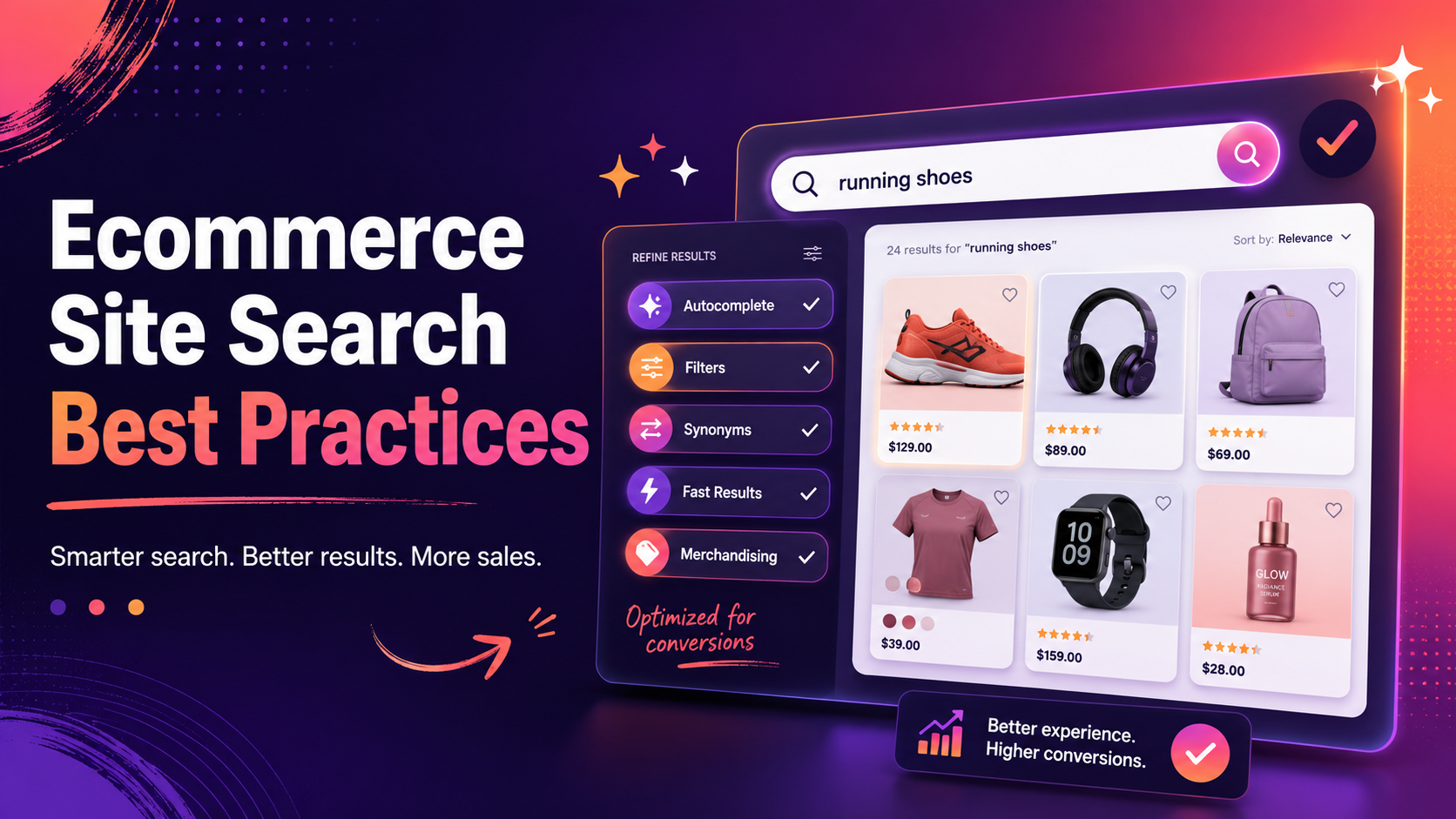
Ecommerce Site Search Best Practices in 2026
Ecommerce site search best practices have matured significantly over the past decade. What was once a technically complex differentiator is now a set of clearly understood patterns that any store can implement. The challenge is not knowing what to do — the challenge is prioritising the improvements that will have the biggest impact on your specific store.
This guide covers the most important best practices, roughly ordered by the impact most stores will see from implementing them.
1. Make the Search Box Prominent and Accessible
The best search engine in the world is worthless if shoppers do not know it exists. The search box should be:
- Visible on every page — not just the homepage. Shoppers land on product pages, blog posts, and category pages. All of them need search access.
- Prominently placed — in the header, above the fold. The top centre or top right of the header is the established convention, and deviating from it adds friction.
- Large enough to type in comfortably — on desktop, 200-300px wide minimum; on mobile, full-width or nearly so.
- Labelled helpfully — placeholder text like "Search products..." sets clearer expectations than a bare icon.
On mobile, avoid hiding the search box behind a small icon that requires an extra tap to expand. The extra step is a barrier for the highest-intent visitors.
2. Deliver Instant, AJAX-Driven Autocomplete
Shoppers now expect results to appear as they type. A search that requires pressing Enter and waiting for a page load feels dated and slow in 2026. Instant AJAX autocomplete with product images, names, and prices in the dropdown is the standard for any store that takes conversion seriously.
Autocomplete also acts as error prevention. A shopper who sees correct product suggestions before they have finished typing a misspelled query will click the suggestion rather than submitting a broken search. This reduces the no-results rate without requiring any synonym configuration.
3. Configure Typo Tolerance
Even with autocomplete, shoppers submit imperfect queries. Typo tolerance — the ability to match "boots" when someone types "botos" or "boo" — is not optional for a store with serious search traffic. The no-results page is one of the highest-bounce moments in a shopping session; typo tolerance is the cheapest way to prevent it.
Most dedicated search engines offer configurable edit distance for typo tolerance. The right setting depends on your catalogue and query patterns, but a two-character edit distance handles the vast majority of common typing errors.
4. Build and Maintain a Synonym Dictionary
Your product catalogue uses specific language. Your shoppers do not always use the same language. A synonym dictionary bridges this gap by making queries for one term return results tagged with another.
Common synonym pairs for ecommerce include: sofa / couch, trainers / sneakers, jumper / sweater, trousers / pants, torch / flashlight. But the most valuable synonyms are specific to your catalogue and your shoppers' vocabulary — and the best way to find them is to read your no-results report regularly.
Every high-frequency query in your no-results report is a candidate for a synonym rule. Review it monthly and act on the top entries.
5. Index All Product Attributes, Variants, and SKUs
Search that only indexes product titles and descriptions misses a large proportion of specific queries. Shoppers search for SKUs (especially in B2B contexts), for specific attributes ("blue size 10"), and for variation-specific terms that may only appear in variant data, not in the main product description.
Make sure your search engine indexes every attribute: colour, size, material, brand, SKU, EAN, UPC, and any custom attributes specific to your product type. This has a direct impact on the conversion of specific, high-intent queries.
6. Design a Useful Faceted Results Page
The results page is where the conversion happens. A well-designed faceted results page includes:
- Relevant filter facets for the query context (not all possible facets for every query).
- A price range slider with real-time updating counts.
- Sort options (relevance, price low-high, price high-low, newest).
- Clear display of active filters with easy removal.
- Product cards with images, prices, and clear add-to-cart paths.
For a detailed guide to facet design, see What Is Faceted Search?.
7. Set Up Featured Products and Redirections
Not all search interactions should end on a generic results page. Merchandising rules let you:
- Feature specific products at the top of results for certain queries — useful for promoted items, seasonal products, or own-brand ranges.
- Redirect certain queries to specific pages — for example, "delivery" should go to your delivery information page, not a product search.
Both features are available from the Search Sight dashboard without developer involvement.
8. Monitor and Act on Analytics
Search analytics are the most direct feedback loop available to a store owner. Review these metrics regularly:
- No-results rate and the specific queries behind it — your synonym and catalogue gap report.
- Low-click search sessions — queries where people searched but did not click any result. This signals poor relevance for those terms.
- Top search queries — are these matching the products and categories you expect? Unexpected top queries often reveal where your navigation is failing.
For more on the no-results workflow, see How to Reduce No-Results Searches in Your Store.
9. Test on Mobile
A significant share of ecommerce traffic is mobile. Test your search experience on actual mobile devices — not just a responsive desktop preview. Pay particular attention to:
- Autocomplete overlay layout on small screens.
- Filter panel usability on touch (drawers or modals work better than persistent sidebars on mobile).
- Response times on a mobile network connection, not just fast Wi-Fi.
10. Measure the Impact of Search
Segment your analytics by sessions that included search versus those that did not. Track conversion rate, average order value, and revenue per session for each segment. This comparison is the single most compelling metric for justifying search investment — and for prioritising further improvements.
Start your free 14-day trial to start implementing these ecommerce site search best practices on your store with a tool built to deliver them.
For the full introduction to ecommerce search, visit the ecommerce search hub.